When working offline in the field, you may need to use the inspection search page below to browse inspection records:
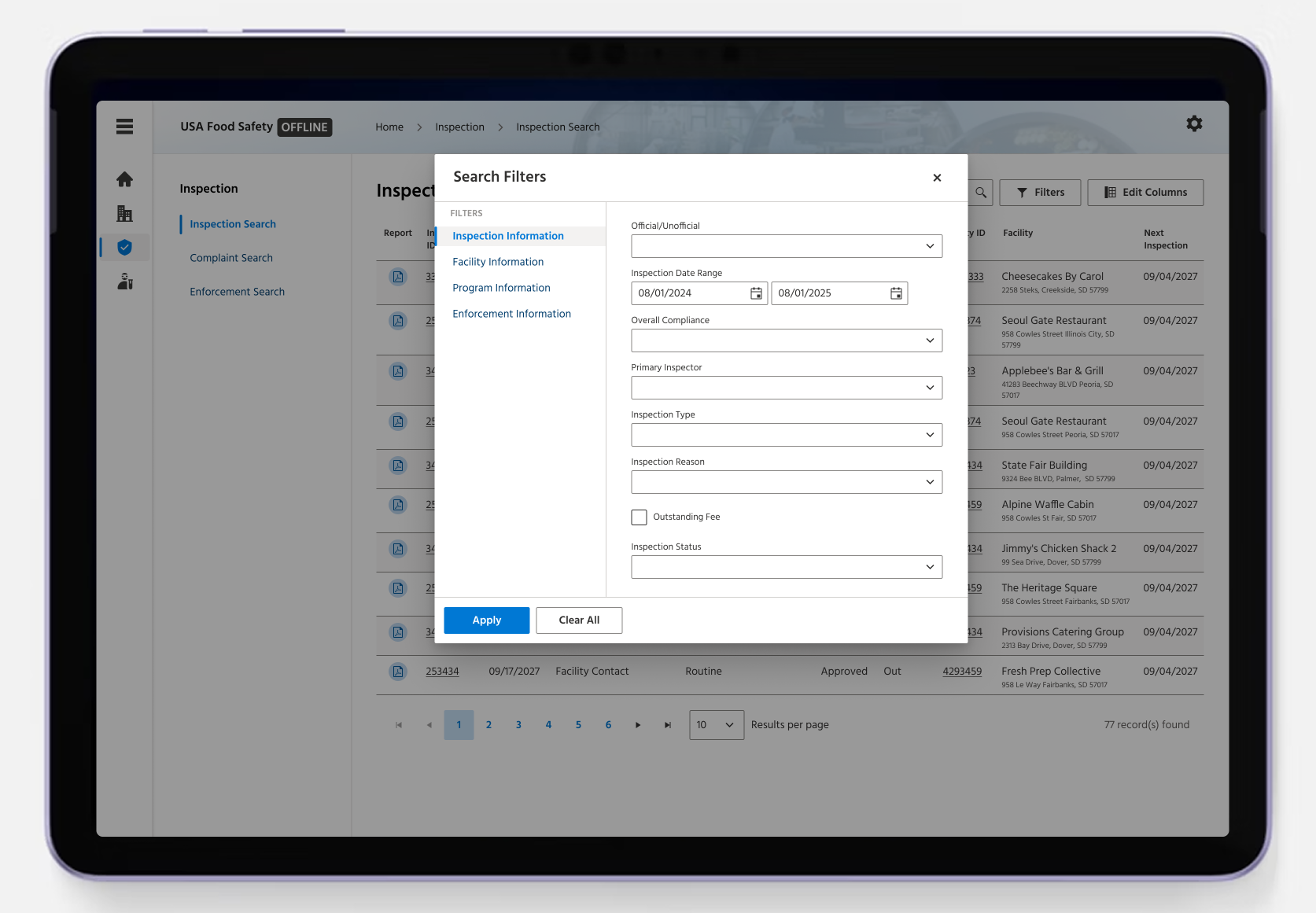
To complete a more in-depth search, you may need to use filters to find and narrow down your search results. The screen below is what you will see when you click the “FILTERS” button in the previous screen. The filters are organized into categories on the left side of the pop-up. In this example, “Facility Information” is selected and displays the available filter options on the right.
Your responses for the remainder of this survey will help us better understand which filters are important for your workflow when searching for inspection records offline.
